







Contrast
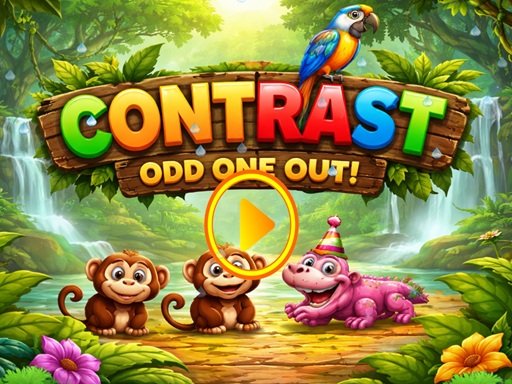
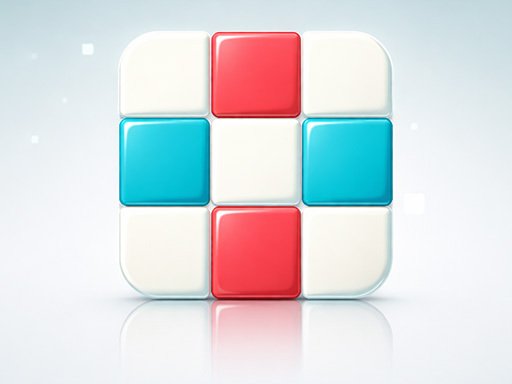
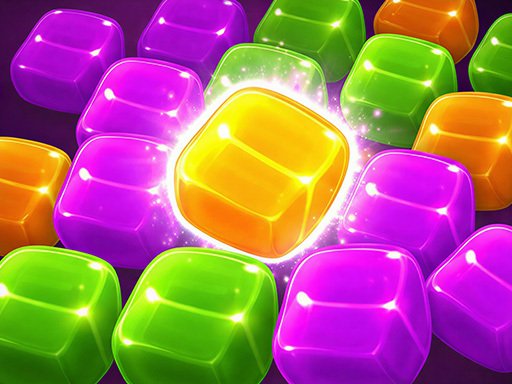
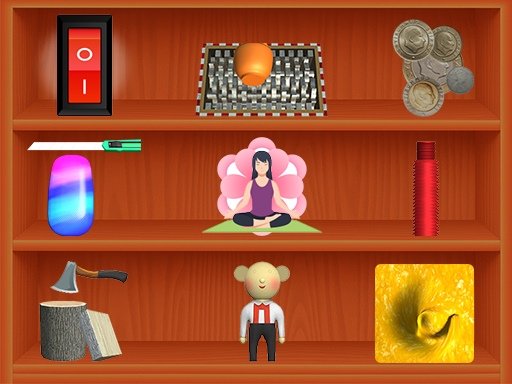
Contrast is a clean and engaging puzzle game that challenges your observation skills across 20 thoughtfully designed levels. In each level, you are presented with 4–5 similar-looking objects. At first glance, they may appear identical—but one is different. Your goal is to carefully analyze the details and tap the odd object out before moving on. As you progress, the differences become more subtle, testing your focus, attention, and visual perception. With a minimalistic design and distraction-free gameplay, Contrast keeps your mind sharp while offering a relaxing puzzle experience.
Advertisement
Game Information
- Mouse/Touchpad: Most HTML5 games use the mouse or touchpad for primary interactions. For example:
- Click: Click to select options, start the game, or perform actions like shooting or jumping.
- Drag and Drop: For games involving dragging elements, hold the left mouse button and move the mouse to drag objects.
- Keyboard: Some games might require keyboard input. Common controls include:
- Arrow Keys (↑, ↓, ←, →): Move your character, navigate menus, or control in-game movement.
- Spacebar: Often used for actions like jumping, shooting, or pausing the game.
- Enter/Return: Start the game or confirm selections.
- Esc: Pause the game or access the game menu.
- Game Objectives:
- Read the game’s objective, usually provided on the start screen or within a tutorial.
- Follow any in-game prompts or tutorials that guide you through the first few levels or actions.